

Open and switch panels
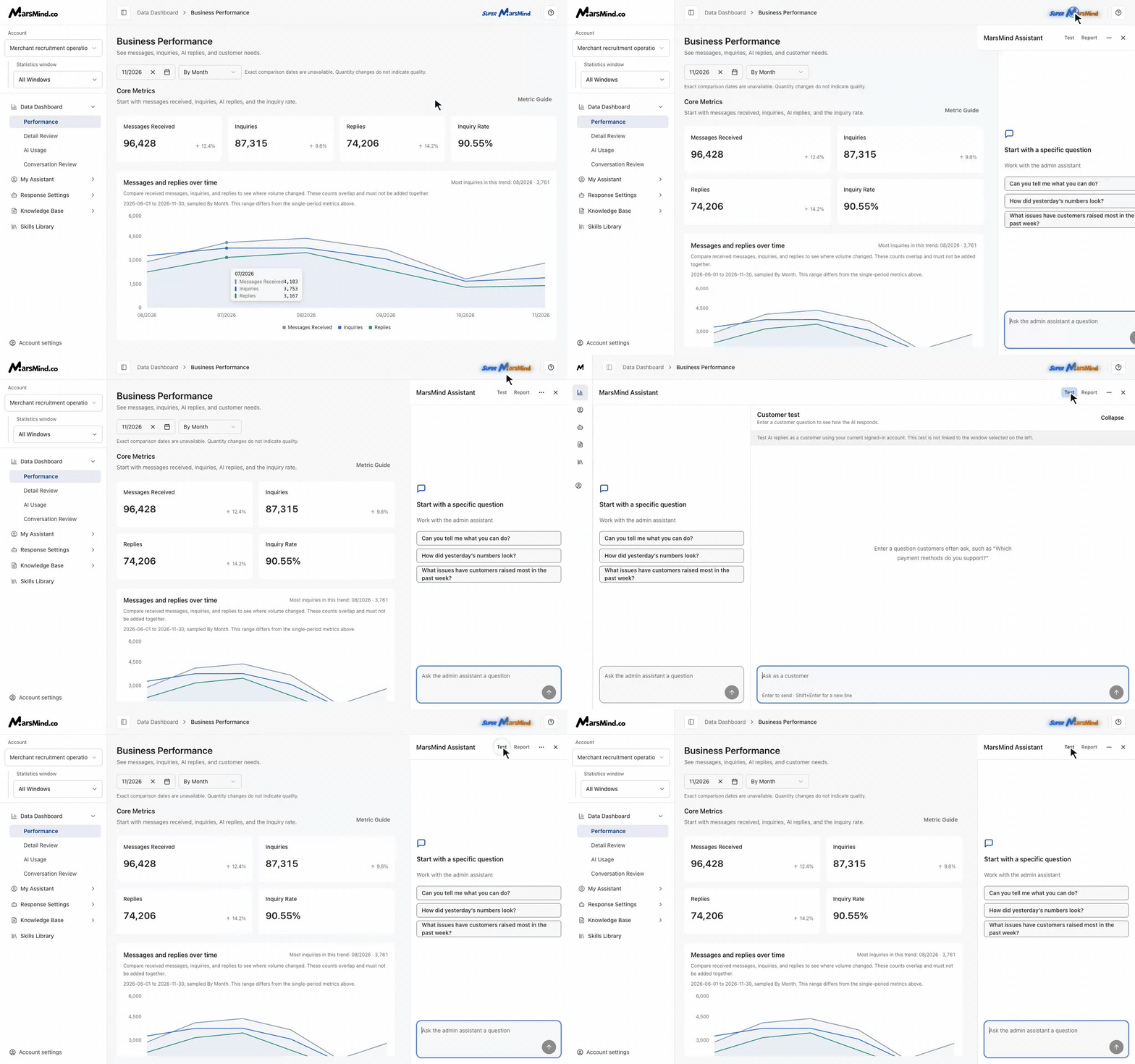
- Sign in to MarsMind Admin and click Super MarsMind in the header.
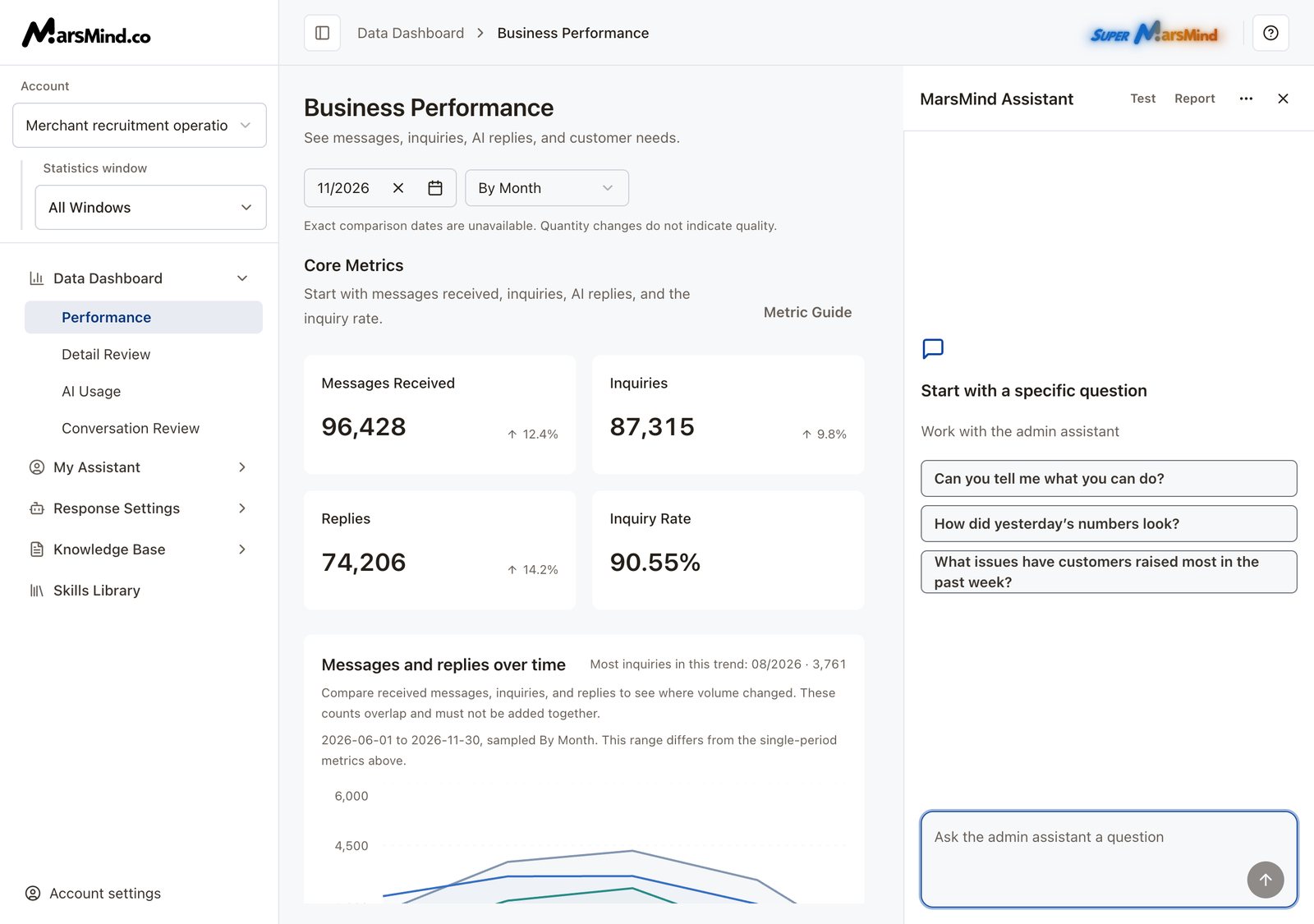
- Enter a question in the main conversation. On wide screens, you can continue viewing the admin page alongside it.
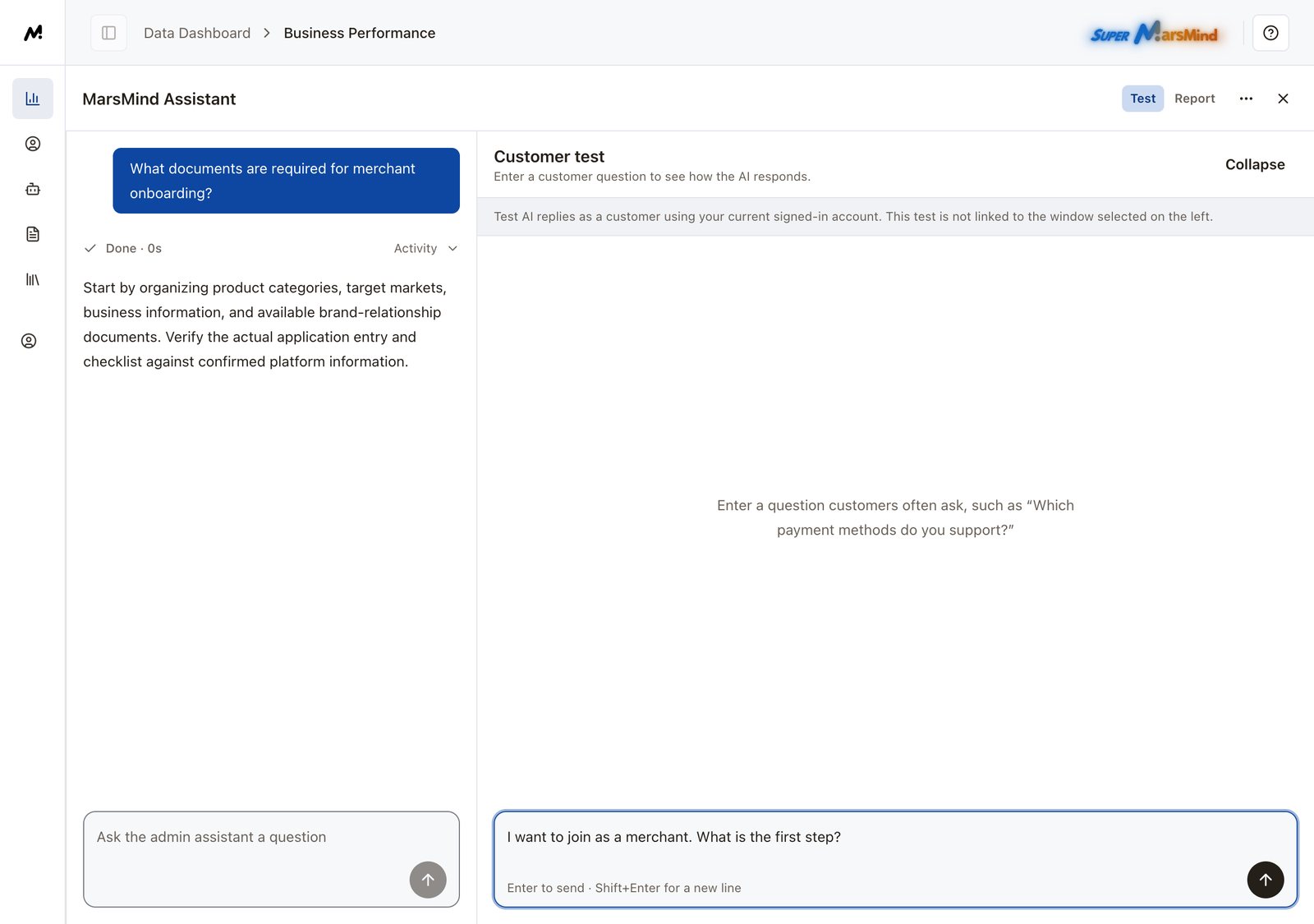
- Click Test beside the conversation title to expand customer testing, or Report to expand the analysis canvas.
- Click the active Test or Report button again to collapse it. Switching extensions retains this page’s messages and drafts.
Screen recording (demo data)
Open Super MarsMind from the header, expand the test panel, then collapse it back to the main conversation. Follow the clicks in the recording and use the still images below as a reference.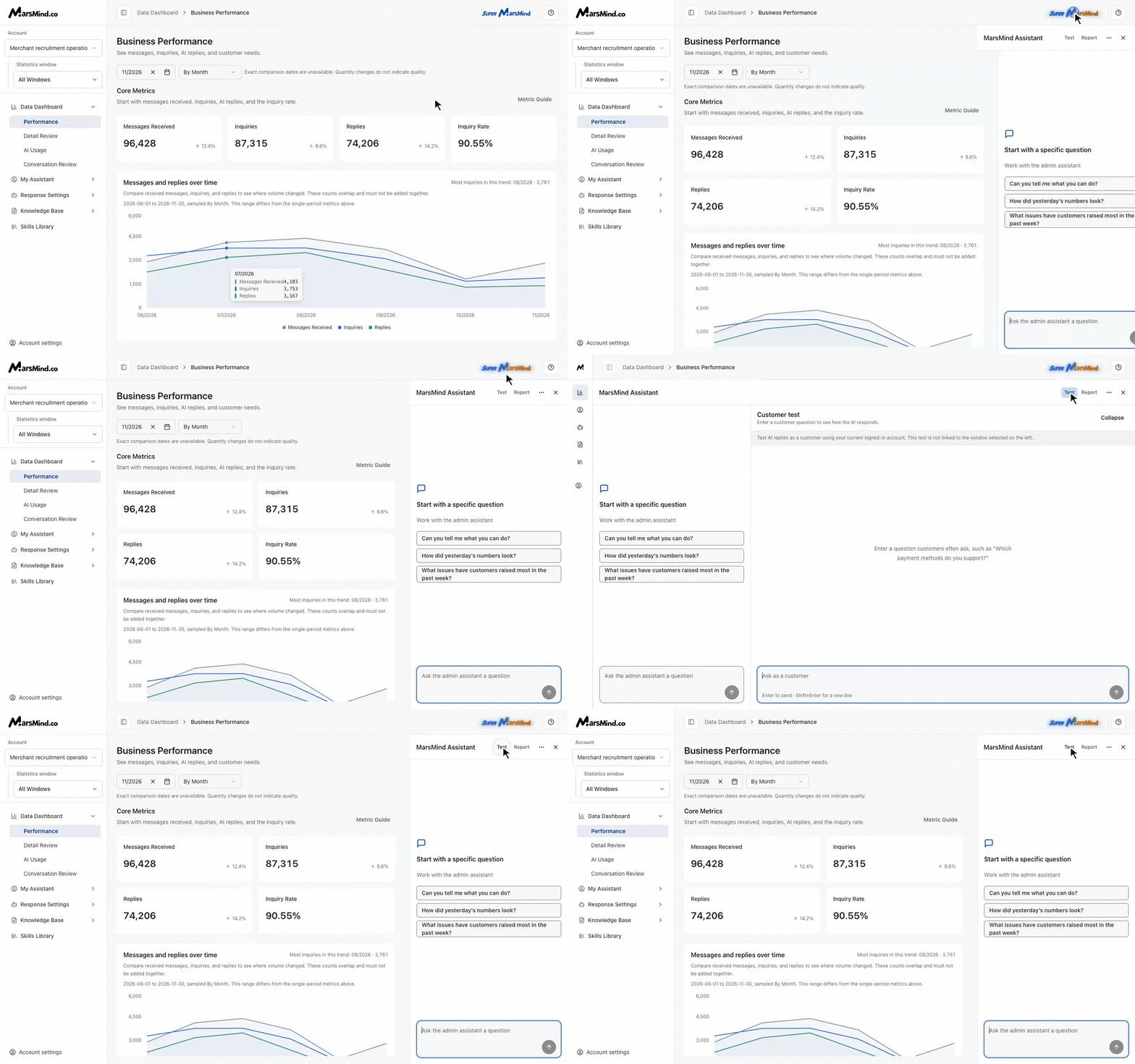
Accounts, questions, replies and reports in the recording are demonstration data. Use the still images below for step-by-step reference.
Choose an entry
State the scope before sending
The main conversation does not automatically read the current admin page, selected window, filters or selected records. Include the account, window, dates and source material in your question. Suggested questions fill a draft; review it before sending. Customer testing uses the signed-in account, separately from the main conversation, and is not bound to the window selected in the sidebar. To verify a particular live window, review Detail Review after asking a question in its actual channel.Screenshots use the released frontend with entirely fictional business records and responses. They demonstrate interface operations, not completed production tasks, delivered messages or approved business decisions.