

When you’ll need this
- Routine spot checks: look back at the AI-to-customer conversations in the Mercado business and review each interaction one by one.
- Verify something in question: when a customer or a supervisor questions a conversation, come back here to check the original record.
- Filter down to a set of conversations with your own criteria inside the embedded app.
How to get there
Left menu → Data Dashboard → Conversation Review. Once you are in, the top bar shows the breadcrumb Data Dashboard → Conversation Review, and the content area is the embedded app filling the whole page.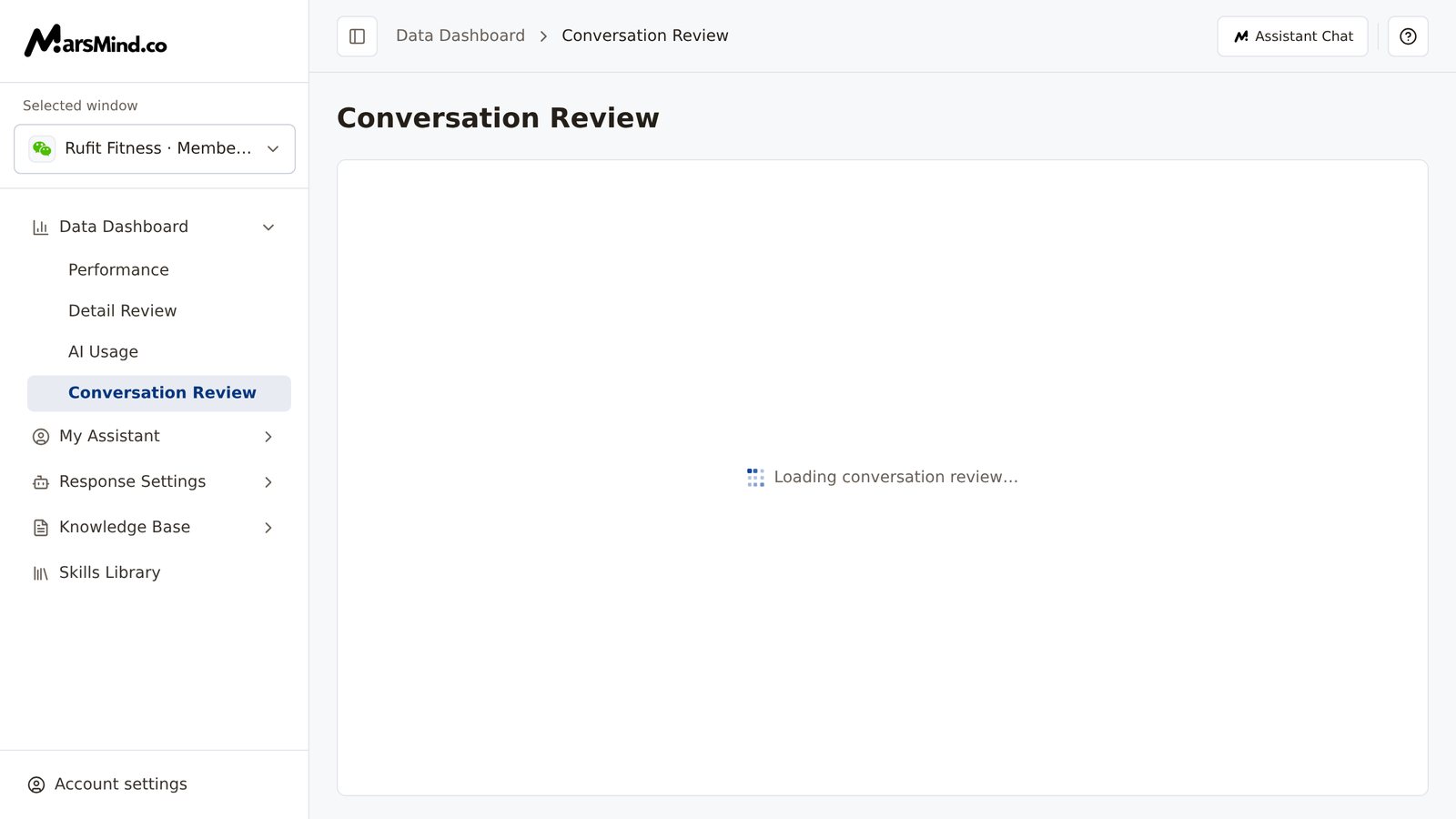
Steps
1
Open the page and confirm your account can see it
Under Data Dashboard in the left menu, click Conversation Review.How to tell it worked: the page opens normally, the top-bar breadcrumb reads Data Dashboard → Conversation Review, and the content area starts loading the review app.Note: if you see “Access denied”, your account is not in the open scope; click “Back to dashboard” to leave. See Important notes below for the scope.
2
Wait for the embedded app to finish loading
The page itself has only one loading overlay: while loading it shows “Loading conversation review…”; once the app is ready, the overlay disappears and the app’s own filters and list appear.How to tell it worked: the overlay is gone and you can use the filters and list inside the app.Note: if the app is still not ready after about 15 seconds, the page shows “The conversation review page could not be loaded. Please try again.” and a “Reload” button. Clicking Reload reloads the entire app block; if repeated retries still fail, return to the dashboard, try again later, or contact an admin.
3
Review conversations inside the embedded app
Filtering, the list, and conversation content all happen inside the embedded app — the admin console does not wrap another layer of controls around it. Which filters to use and how to page through follow the app’s actual interface. Filter out the conversations you want to review, then go through them one by one.How to tell it worked: the list refreshes after you apply filters, and you can open the conversation record you want to review.
Checkpoints
- The top-bar breadcrumb reads Data Dashboard → Conversation Review.
- The loading overlay is gone and you see the app’s own filters and list, rather than being stuck on “Loading conversation review…” or “The conversation review page could not be loaded. Please try again.”
- Switching the Selected window on the left does not change this page — this page does not use that selection.
Important notes
This page is an external app (Mercado’s conversation review app) embedded as a full page. The admin console only passes the current sign-in identity and interface language to it: no second sign-in is needed. When loading works normally, the page has no other controls — the only exception is the Reload button when loading fails, and all actions happen inside the app.
The embedded app recognizes only some interface languages: Chinese, English, and Japanese display normally; if the interface language is French or Spanish, the app shows in English. To review in Chinese, go to “Account settings → Language” at the bottom left, switch the interface language to Chinese, and return to this page.