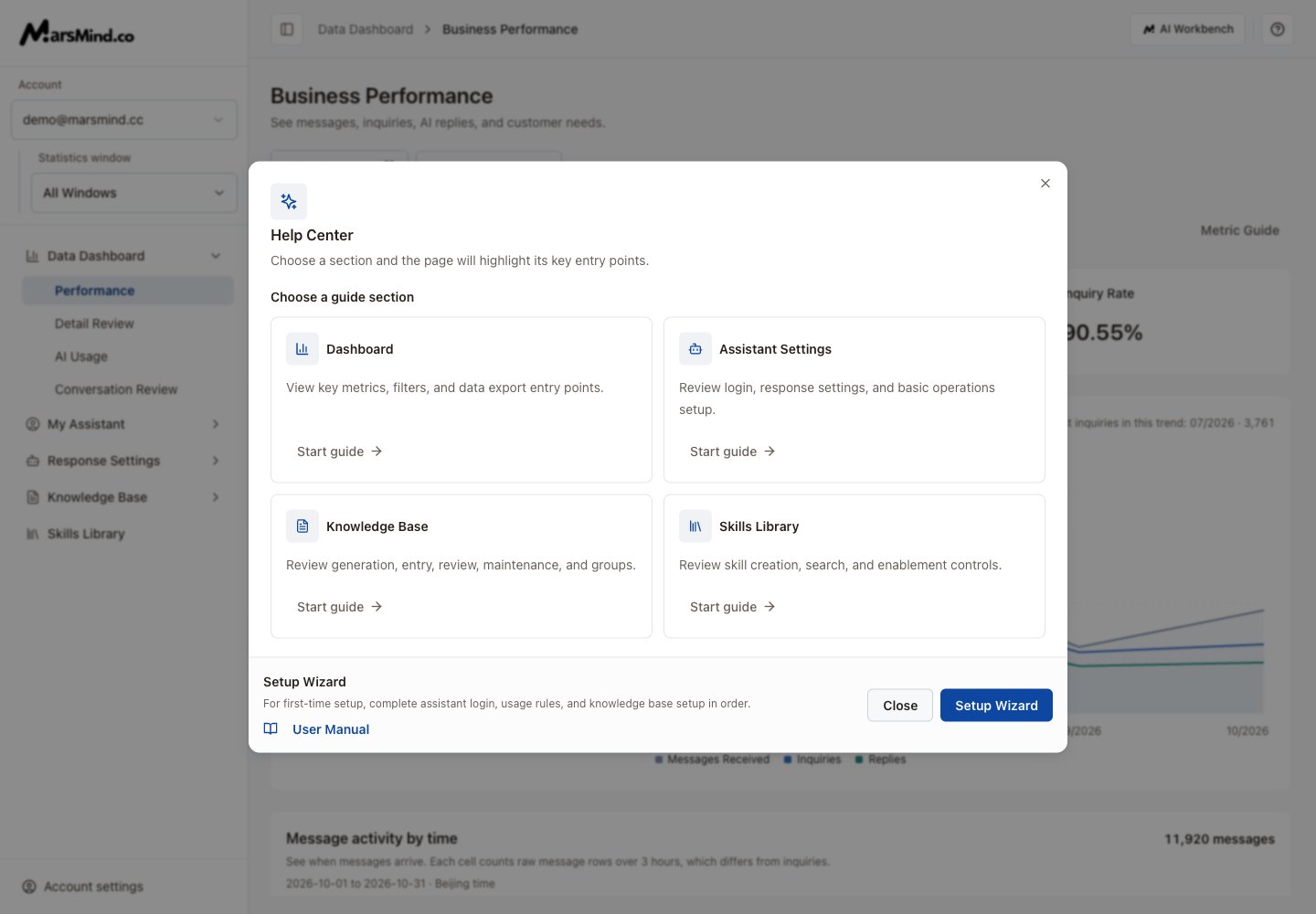

- Click the ? button (Help and guides) on the right of the admin top bar.
- In Help Center, choose the dashboard, assistant, knowledge or skills section, then select Start guide.
- Follow the highlighted steps to the relevant page. If a target has not loaded, let the page finish loading and retry that step.
- For a new account, select Setup Wizard to open initial setup. Select User Manual to read the documentation.
Screenshots use demo accounts and demo data. Controls and labels match the current interface.