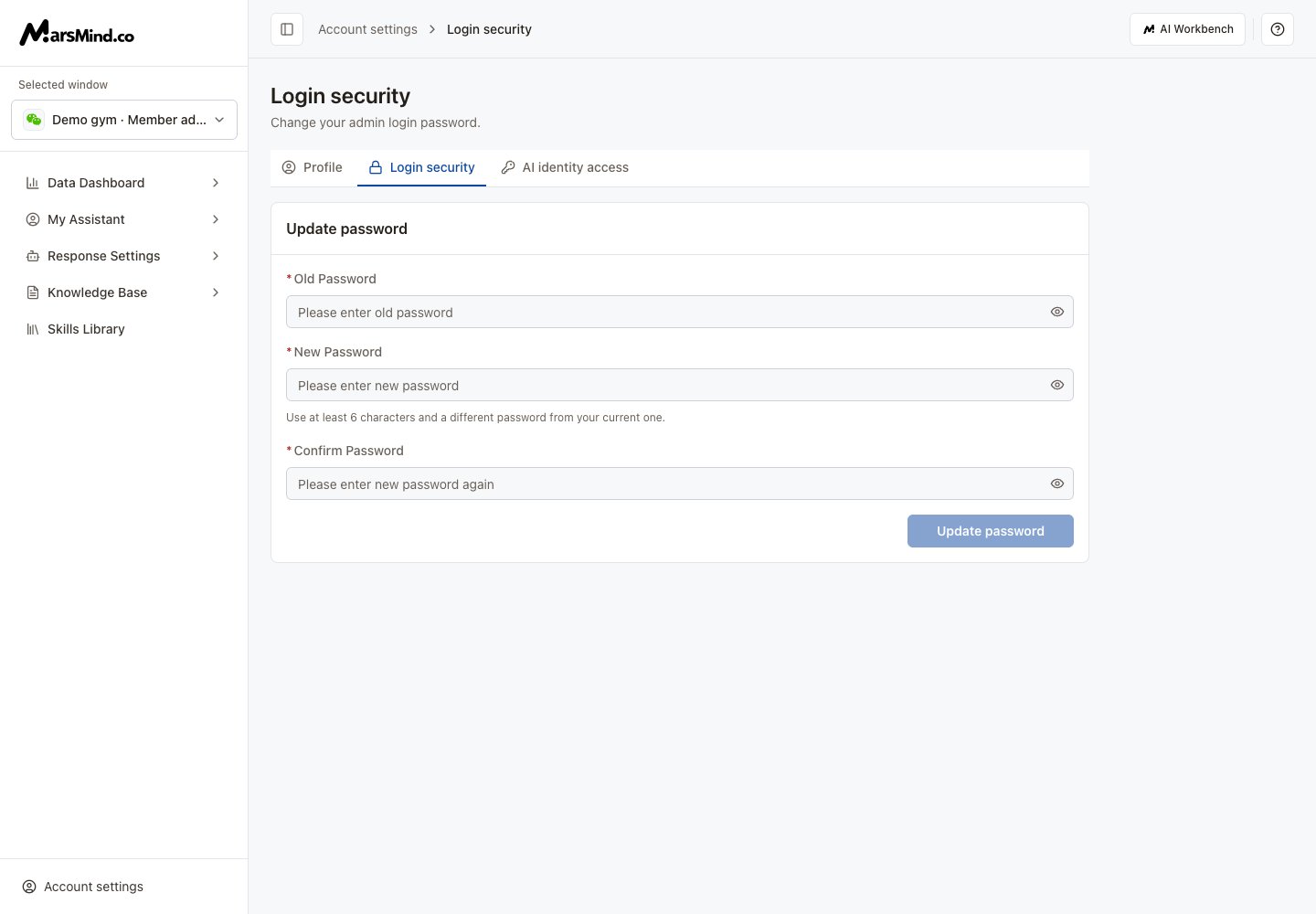

- Select Login security in the bottom-left account menu or the account settings tabs.
- Enter Old Password, New Password and Confirm Password. The new password needs at least 6 characters, must differ from the old password, and must match the confirmation.
- Click Update password. Inputs are locked while saving. A successful update clears the form.
Screenshots use demo accounts and demo data. Controls and labels match the current interface.