> ## Documentation Index
> Fetch the complete documentation index at: https://docs.marsmind.co/llms.txt
> Use this file to discover all available pages before exploring further.
# Use help and guides
> Open guided steps and initial setup from the top-bar help button.
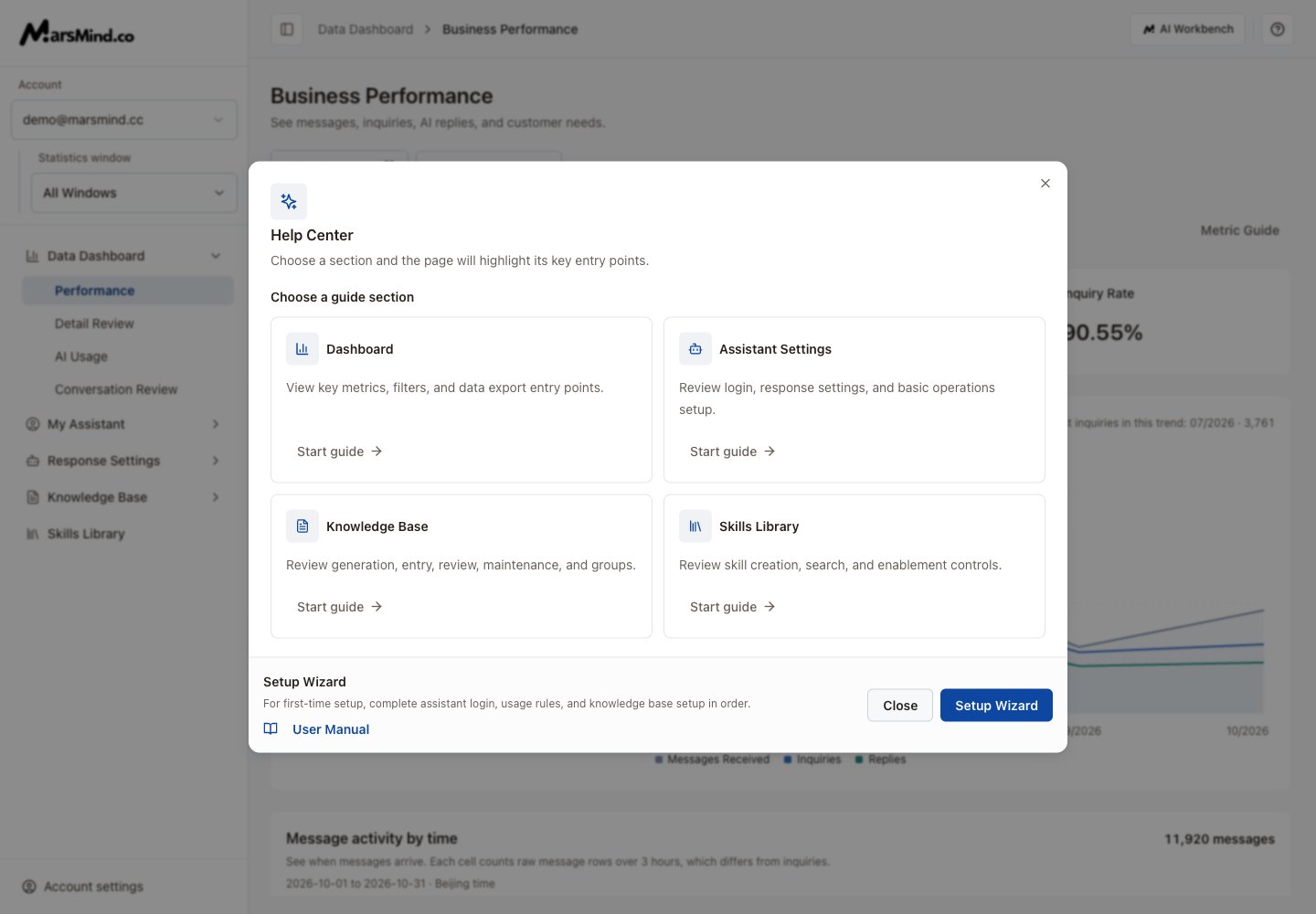
1. Click the **?** button (**Help and guides**) on the right of the admin top bar.
2. In **Help Center**, choose the dashboard, assistant, knowledge or skills section, then select **Start guide**.
3. Follow the highlighted steps to the relevant page. If a target has not loaded, let the page finish loading and retry that step.
4. For a new account, select **Setup Wizard** to open initial setup. Select **User Manual** to read the documentation.
Use the sidebar to open business pages directly. The manual link is inside the help dialog. Confirm the selected window before editing, and check the page’s save result.
[Sign in and choose a window](/en/admin-backend/platform-login) · [Use the assistant workspace](/en/admin-backend/assistant-workbench)
Screenshots use demo accounts and demo data. Controls and labels match the current interface.
 This documentation is built and hosted on [Mintlify](https://mintlify.com), a developer documentation platform.